1. What Just Shipped
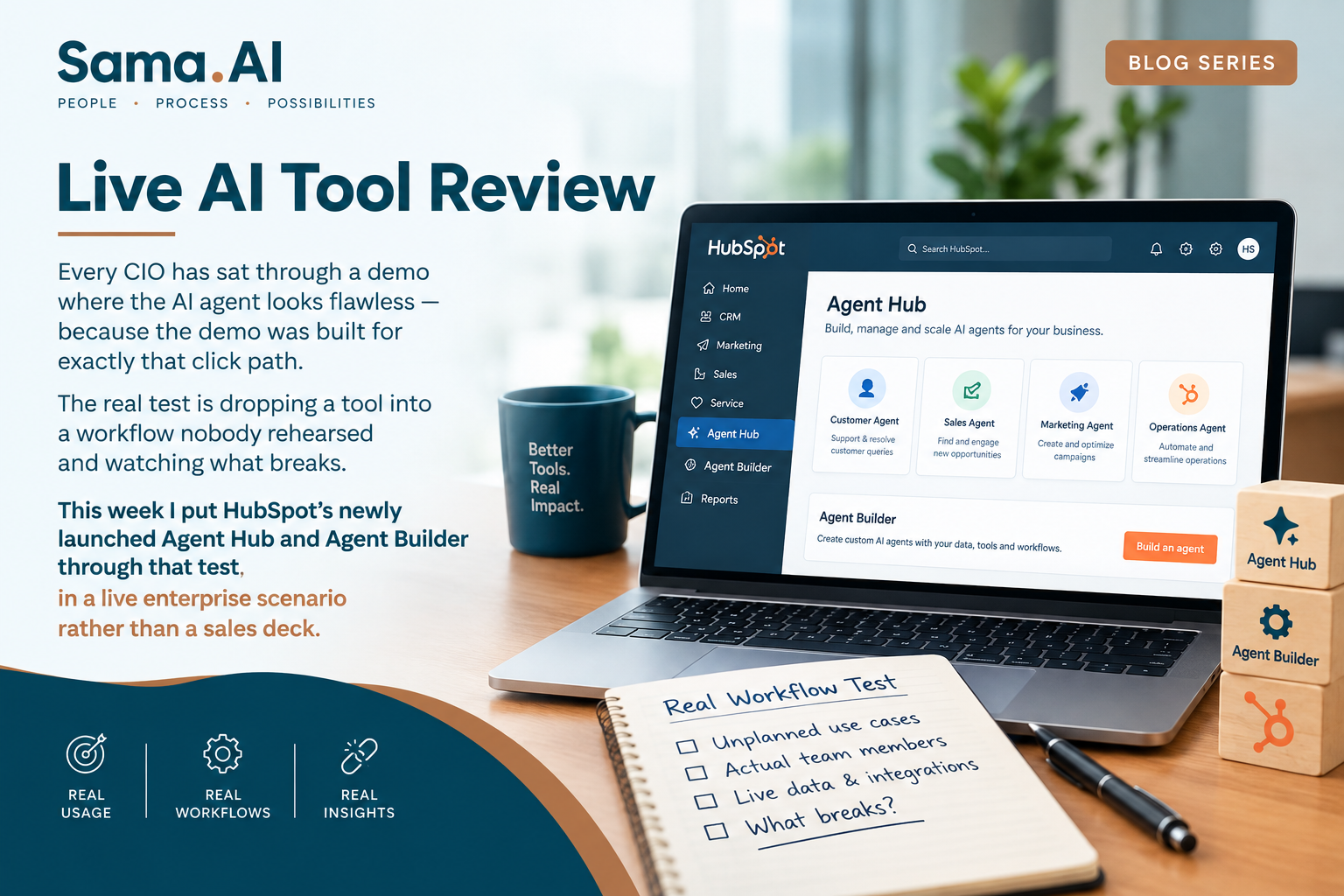
On July 23, HubSpot opened public beta on two connected products for Professional and Enterprise customers. Agent Hub is a single console that brings every pre-built and custom AI agent running across marketing, sales, and service into one view, organized by the business outcome each one drives rather than by department. Agent Builder is the companion piece: a no-code canvas where non-technical staff assemble new agents using plain-language instructions, pulling directly from existing CRM records with no separate setup or field mapping required.
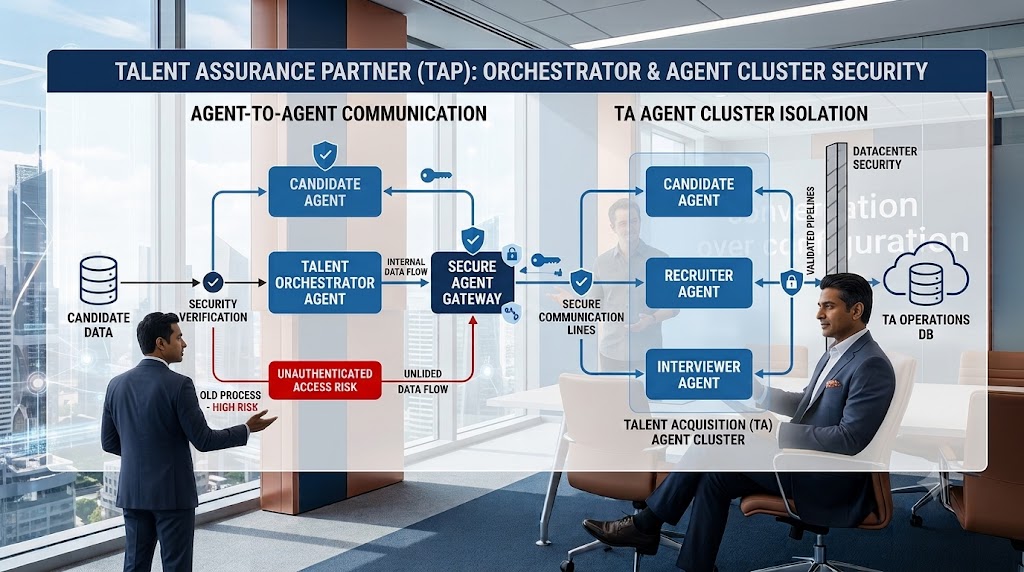
Why it matters: The problem this targets is agent sprawl — a prospecting agent emailing a customer the same week a service agent is handling that account's open complaint, with neither aware the other exists. That's not a hypothetical; it's the default state once a company has adopted more than one AI agent without a shared layer of customer context.
2. The Scenario I Ran
Rather than a generic walkthrough, I set up a case modeled on a mid-market B2B company running three disconnected agents: one prospecting new leads, one triaging support tickets, one flagging renewal risk. Using Agent Builder, I described the workflow in plain language — surface any account where a renewal is due within 30 days and there's an open, unresolved support ticket — and the tool assembled the logic against live CRM data without a developer touching a field mapping screen.
HubSpot's own reference case makes the same point at a different scale: a virtual literacy program operating across more than 25 states built a custom agent to parse school district academic calendars, cutting a 15-to-20-minute manual task per district down to seconds and reclaiming an estimated 350-plus hours a year.
3. What Worked
- No parallel data setup: the agent reasoned over CRM records that were already there, which is the main reason the build was fast.
- Natural language, not a workflow builder: instructions went in as plain sentences through the Breeze Assistant, not a drag-and-drop rules engine.
- Outcome framing over department framing: Agent Hub organizes agents by what they're driving — pipeline, retention, service — which matches how a CIO would want to report impact upward, not how the org chart is drawn.
4. Where It Broke — and What to Watch
- Guardrails require manual approval: by design, a new custom agent doesn't run fully autonomously until a team explicitly grants that. Good governance, but it means "fire and forget" isn't the actual experience on day one.
- Third-party agent visibility is unresolved: HubSpot has committed to open APIs and MCP so external agents can plug in, but it isn't yet clear whether an agent running over MCP shows up in the same performance view as a native Breeze agent. For any enterprise already running a multi-vendor agent stack, that's the question to ask before rollout, not after.
- Cost is consumption-based: custom agents bill per outcome through credits — roughly 50 cents per resolved conversation, a dollar per recommended lead, ten cents per data answer, with extra credit packs on top. That needs the same monitoring discipline as any metered API, or a lightweight pilot can quietly turn into a line item nobody sized.
5. The Question This Actually Answers
The interesting part of this launch isn't that another vendor shipped an agent-building tool. It's where the console sits. HubSpot is betting that the company already holding the customer data is the natural place to govern the agents acting on it — which is a real argument, but only if you're willing to concentrate that much of your GTM agent layer inside one vendor's CRM.
The Bottom Line
Agent Hub and Agent Builder are a solid answer to a problem most enterprises already have — fragmented agents with no shared context — not a general-purpose agent platform. If your GTM stack already has multiple disconnected AI agents running, it's worth a pilot. If you're evaluating agent architecture at the enterprise level, still run it through last week's four questions: identity and access at the agent level, sandboxed execution, and codified human-in-the-loop rules. A single console doesn't answer those on its own.
Next week: how project managers, HR, finance, and operations teams — not just IT — can put GenAI to work without waiting on a platform rollout.
Compiled by Hareesh E from HubSpot's July 23, 2026 public beta announcement and HubSpot Community release notes, with additional reporting from CMSWire, PPC Land, CX Today, and Martech Notes.